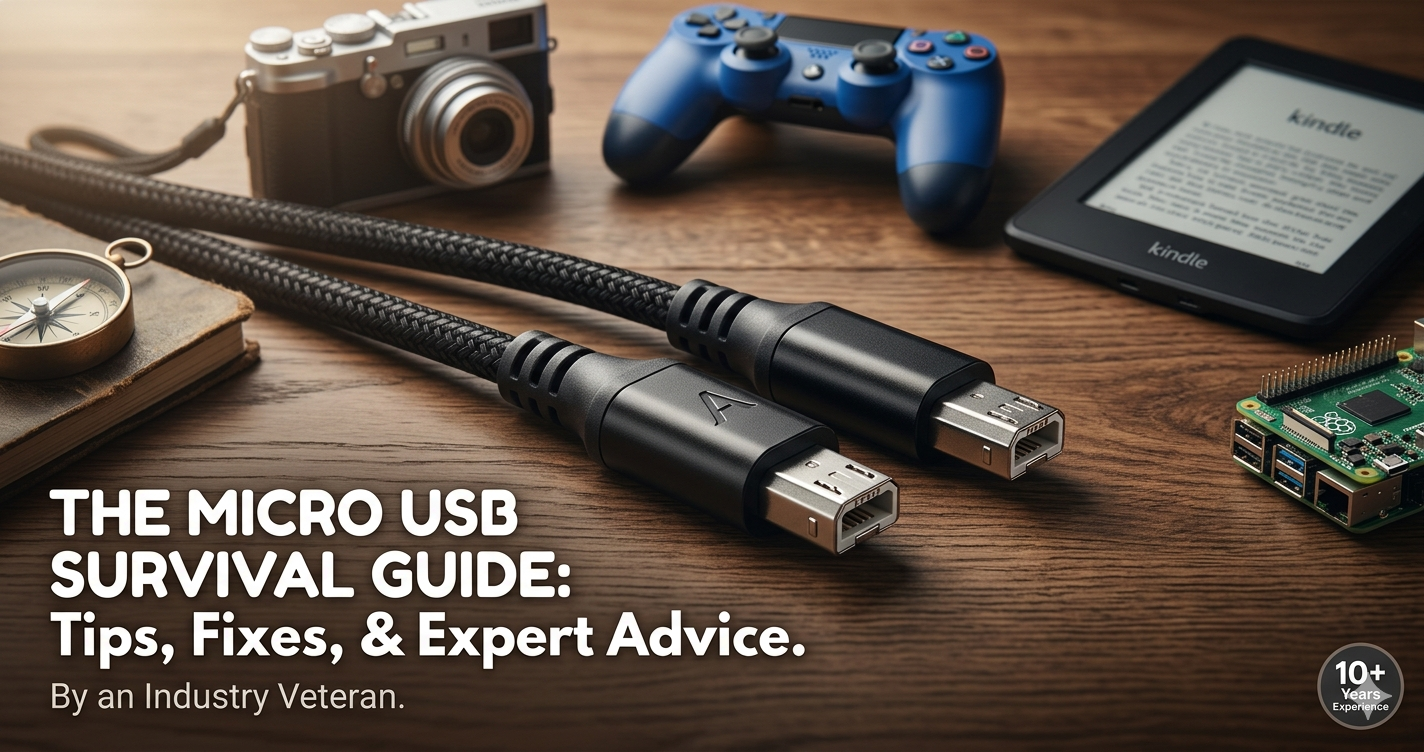
Remember the “junk drawer”? You know the one. It’s filled with old receipts, mystery keys, and a tangled bird’s nest of black cables. If you reach in and pull one out, there is a roughly 90% chance you’re holding a Micro USB cable.
I’ve been in the tech industry for over a decade, and I’ve seen connectors come and go. I remember when we had to carry proprietary “bricks” for every single phone brand. When the Micro USB standard arrived, it felt like a revolution. It was the “one cable to rule them all”—until it wasn’t.
Today, while USB-C is the new king of the hill, the Micro USB remains an absolute workhorse in the electronics world. Whether you’re trying to revive an old Kindle, charge a budget drone, or hook up a Raspberry Pi, understanding this tiny-but-mighty connector is essential. In this guide, I’m going to break down everything I’ve learned from years of testing, breaking, and repairing these cables, so you can stop squinting at your ports and start connecting with confidence.
What Exactly is Micro USB? (The “Small But Mighty” Explanation)
If we want to get technical, Micro USB is a miniaturized version of the Universal Serial Bus (USB) interface. But let’s keep it simple: it’s the smaller, flatter cousin of the chunky USB cables you use to plug a mouse into a desktop computer.
Introduced around 2007, it was designed to replace the even chunkier “Mini USB” (the one that looked like a little trapezoid block). The goal was to make devices thinner. Think about your old Motorola Razr or early Samsung Galaxy phones; they couldn’t have stayed that slim if they used the massive ports of the 90s.
How It Works (The “Trapezoid” Rule)
The most defining feature of a Micro USB is its shape. Unlike the newer USB-C, which is symmetrical (you can plug it in any way), Micro USB is directional. It has a distinct top and bottom.
- The Top: Usually narrower with two tiny “latching” hooks.
- The Bottom: Wider and flat.
I always tell people to think of it like a puzzle piece. If you force it, you aren’t just “plugging it in”—ones and zeros aren’t going to flow; you’re actually bending the internal pins. I’ve seen more broken charging ports in my career due to “upside-down force” than almost any other hardware failure.
Where You’ll Find It Today
Even in 2026, Micro USB is everywhere. You’ll find it in:
- Budget Smartphones: Many entry-level Android devices still use it to keep costs down.
- Wearables: Older Fitbits and cheap Bluetooth headphones.
- E-readers: Almost every Kindle made before 2022.
- Smart Home Tech: Rechargable doorbells, cameras, and LED strips.
Why We Still Use Micro USB: Benefits and Use Cases
You might be wondering, “If USB-C is better, why is Micro USB still around?” As an SEO strategist who talks to hardware manufacturers, the answer usually comes down to two things: cost and size.
1. Ultra-Low Manufacturing Costs
For a company making a $15 pair of Bluetooth earbuds, every cent counts. The licensing and manufacturing costs for Micro USB components are pennies compared to the more complex circuitry required for high-speed USB-C. This keeps gadgets affordable for us, the consumers.
2. Perfect for “Low Power” Devices
You don’t need a firehose to water a succulent. Similarly, you don’t need a high-wattage USB-C cable to charge a small wireless mouse. Micro USB is perfectly capable of handling the 5V power requirements of most small electronics without the risk of overheating or overcomplicating the internal board.
3. Legacy Compatibility
I have a drawer full of Micro USB cables. You probably do too. For many users, there is a comfort in knowing that the cable they used for their 2015 camera will still work for their 2024 rechargeable flashlight.
Who is this for?
- The Budget-Conscious: If you want the cheapest tech that “just works.”
- The Hobbyist: If you use Arduino or older Raspberry Pi models for coding projects.
- The Retro Techie: If you still love your classic PlayStation 4 controllers (DualShock 4).
Who should avoid it?
- Power Users: If you need to transfer 4K video files or charge a laptop, Micro USB will be painfully slow.
The Pro’s Guide: How to Handle Micro USB Like a Specialist
After a decade of plugging and unplugging these things, I’ve developed a “sixth sense” for not breaking them. If you want your cables and devices to last years instead of months, follow this process.
Step 1: The “Visual Check” (Every Time!)
Before you even touch the cable to the device, look at the port. Micro USB ports are fragile. Check for lint or dust. I once spent an hour “fixing” a phone that wouldn’t charge, only to realize a tiny piece of pocket lint was compressed at the bottom of the port. A quick blast of compressed air or a wooden toothpick (never metal!) usually does the trick.
Step 2: Orientation is Key
Look for the “USB Symbol” on the cable housing. In 90% of cases, the USB logo faces up (toward the screen of your phone or the top of the device). If it doesn’t slide in with the resistance of a hot knife through butter, stop. Flip it.
Step 3: Use the “Pinky Support”
When unplugging, don’t yank the cord. This causes the internal copper wires to fray. Instead, grip the hard plastic head. I like to use my pinky to braced against the device while my thumb and forefinger pull the connector straight out. This prevents “angled pulling,” which is the #1 cause of “wobbly ports.”
Step 4: Storage
Never wrap your Micro USB cables tightly around your hand. This creates “memory” in the plastic and weakens the neck of the cable. Use the “Over-Under” coil method (the same way pro audio engineers wrap mic cables) to ensure they unroll perfectly every time.
Related Articles
How to Redownload TikTok on iPhone Every Method That Works Right Now (2026)
Recommendations: Not All Micro USB Cables Are Created Equal
If you go to a gas station and buy a $2 Micro USB cable, you’re asking for trouble. I’ve seen those cables melt, or worse, “ghost charge” (where the phone says it’s charging, but the battery percentage actually goes down).
The “Gold Standard” Recommendations
- Anker PowerLine Series: These are the only cables I personally buy. They use reinforced aramid fiber (the stuff in bulletproof vests). They are slightly more expensive but will outlive the device you’re charging.
- Cable Matters: If you need long-distance cables (10ft+), this brand has the best shielding to prevent signal loss.
- Magnetic Micro USB Adapters: These are a lifesaver. You leave a tiny magnetic tip inside your device’s port, and the cable snaps on. This saves the port from “wear and tear.”
Comparison: Micro USB vs. USB-C
| Feature | Micro USB | USB-C |
| Reversibility | No (One way only) | Yes (Either way) |
| Max Power | ~10-15W | Up to 240W |
| Data Speed | 480 Mbps (USB 2.0) | Up to 40 Gbps |
| Durability | Moderate (Hooks can bend) | High |
| Cost | Very Low | Moderate |
Common Mistakes and How to Fix Them
1. The “Wobbly” Connection
The Mistake: You have to prop your phone up at a weird angle with a book just to get it to charge.
The Fix: This is usually caused by the “locking teeth” on the cable becoming depressed. Take a small needle and very gently pry the two tiny metal hooks on the flat side of the connector outward. If that doesn’t work, the port on your device is likely loose—a repair shop can usually resolder this for a small fee.
2. Using a “Charge-Only” Cable for Data
The Mistake: You plug your camera into your computer to move photos, but nothing happens.
The Fix: Many cheap Micro USB cables only have two wires inside (for power) instead of four (for power + data). Always look for cables labeled “Sync and Charge.” If it came with a cheap toy, it’s likely charge-only.
3. Forced Entry
The Mistake: Trying to plug it in upside down in the dark.
The Fix: Use a silver Sharpie or a small drop of white nail polish to mark the “Top” of your cable. It saves you from the “USB Superposition” (where it takes three tries to plug in a two-sided object).
The Verdict: Is Micro USB Dead?
In my professional opinion: Not even close. While USB-C is the future for laptops and high-end phones, the Micro USB remains the “people’s connector.” It’s affordable, functional, and occupies millions of devices already in our homes. Understanding how to maintain these cables and avoid common pitfalls isn’t just “tech talk”—it saves you money and keeps your favorite gadgets out of the landfill.
The next time you’re digging through that junk drawer, don’t look at that Micro USB cable as an old relic. Look at it as the reliable veteran that’s still ready to get the job done.
Frequently Asked Questions (FAQs)
1. Can I use a Micro USB cable to charge my USB-C phone with an adapter?
Yes! You can buy a Micro USB (female) to USB-C (male) adapter. It’s a great way to reuse your old cables, though it will charge much slower than a dedicated USB-C cable.
2. Why does my Micro USB cable keep falling out of the device?
This usually happens because the tiny “latching” pins on the cable have worn down or the port is filled with lint. Try cleaning the port with a non-conductive toothpick first.
3. Is there a difference between Micro-A and Micro-B?
Most people are referring to Micro-B when they say “Micro USB.” Micro-A is rectangular and very rare in consumer electronics. There is also a “Micro-B USB 3.0” which is wider and looks like two connectors fused together (common on older external hard drives).
4. Can a Micro USB cable catch fire?
Any damaged cable can be a fire hazard. If the cable feels excessively hot, smells like burning plastic, or has exposed wires, discard it immediately. Stick to “UL Certified” brands like Anker or Belkin.
5. Does the length of the Micro USB cable affect charging speed?
Yes. Because Micro USB operates at a lower voltage, long, thin, or cheaply made cables can suffer from “voltage drop.” If you need a long cable, make sure it’s a “heavy-gauge” (24 AWG or lower) wire to ensure your device still charges quickly.

Evelyn is a technology writer and researcher specializing in software development, artificial intelligence, and emerging digital systems. With hands-on experience in building and analyzing modern tech solutions, she focuses on translating complex technical concepts into clear, practical insights for developers, entrepreneurs, and curious readers.